Webhook Integration
In this guide, you will connect your webhook endpoint to the Amaspace system.
Step 1 — Add a webhook URL
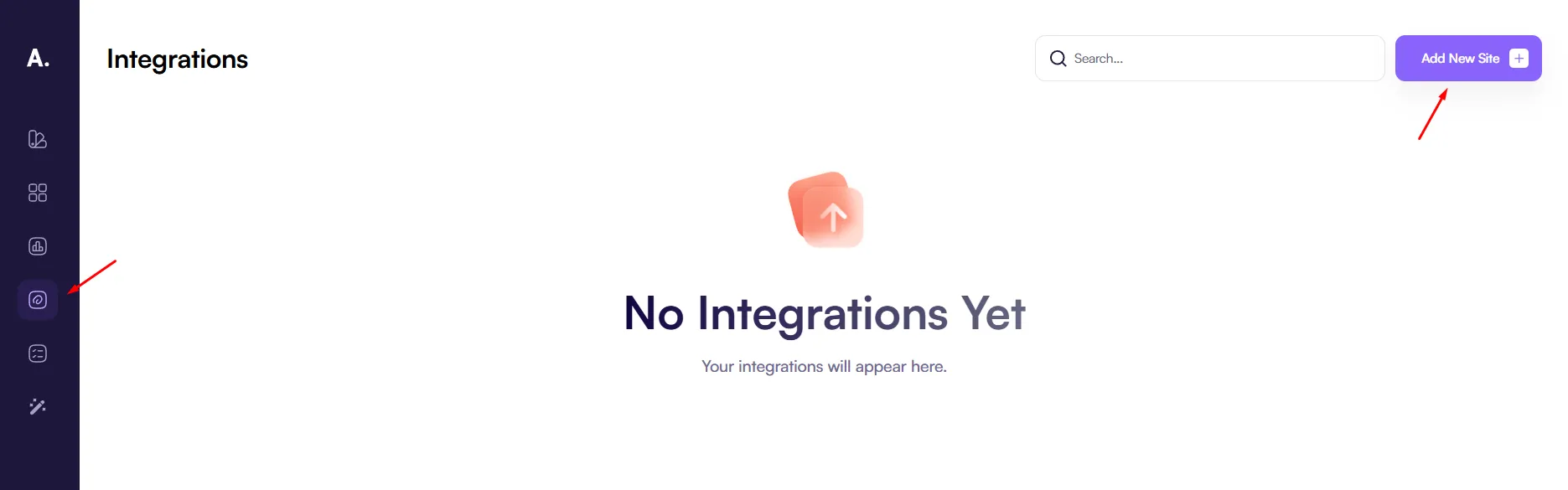
Go to the Integrations page and click Add new site to add a webhook URL.
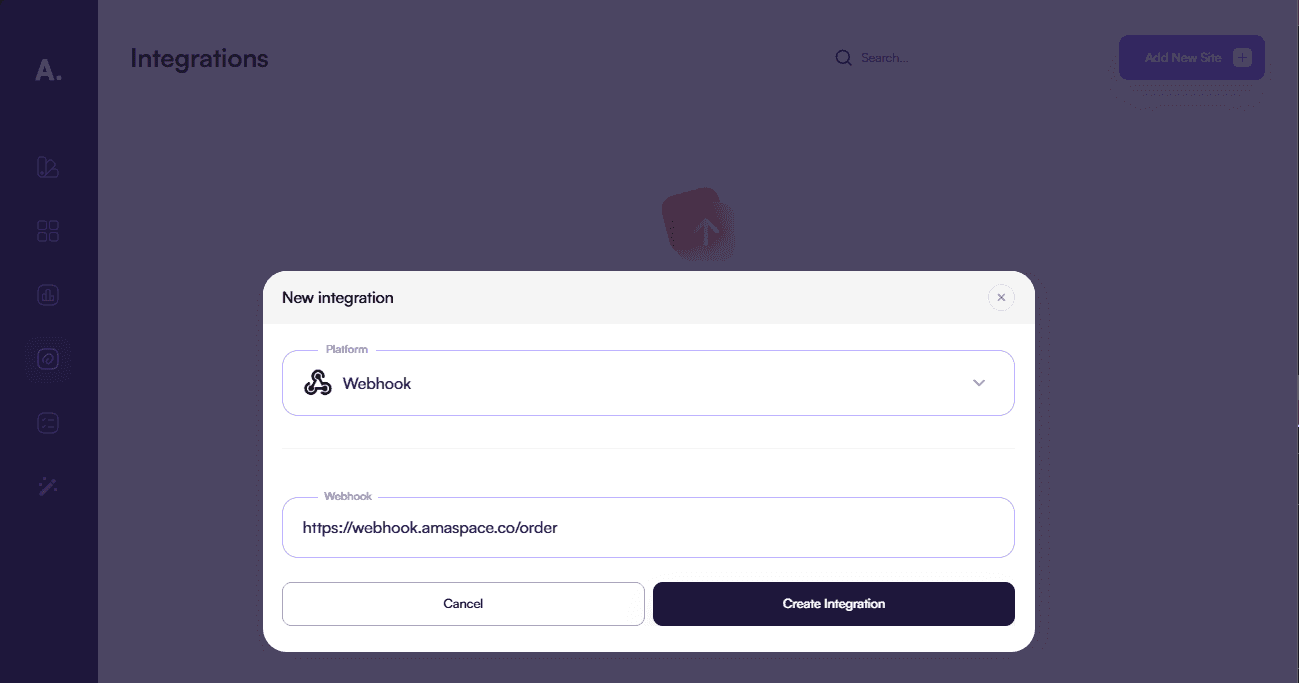
In the opened popup, enter your webhook URL and select Webhook as the integration type.
After this, every time an order is created through any configurator, Amaspace will send order data to your webhook endpoint.
Webhook payload
The request is sent as an HTTP POST. Below is an example of the JSON payload you will receive:
{
  "customer": {},
  "product": {
    "name": "Test Product",
    "configurate_description": "Description",
    "price": 100,
    "quantity": 2,
    "total_cost": 200
  }
}
Last updated on