Getting Started
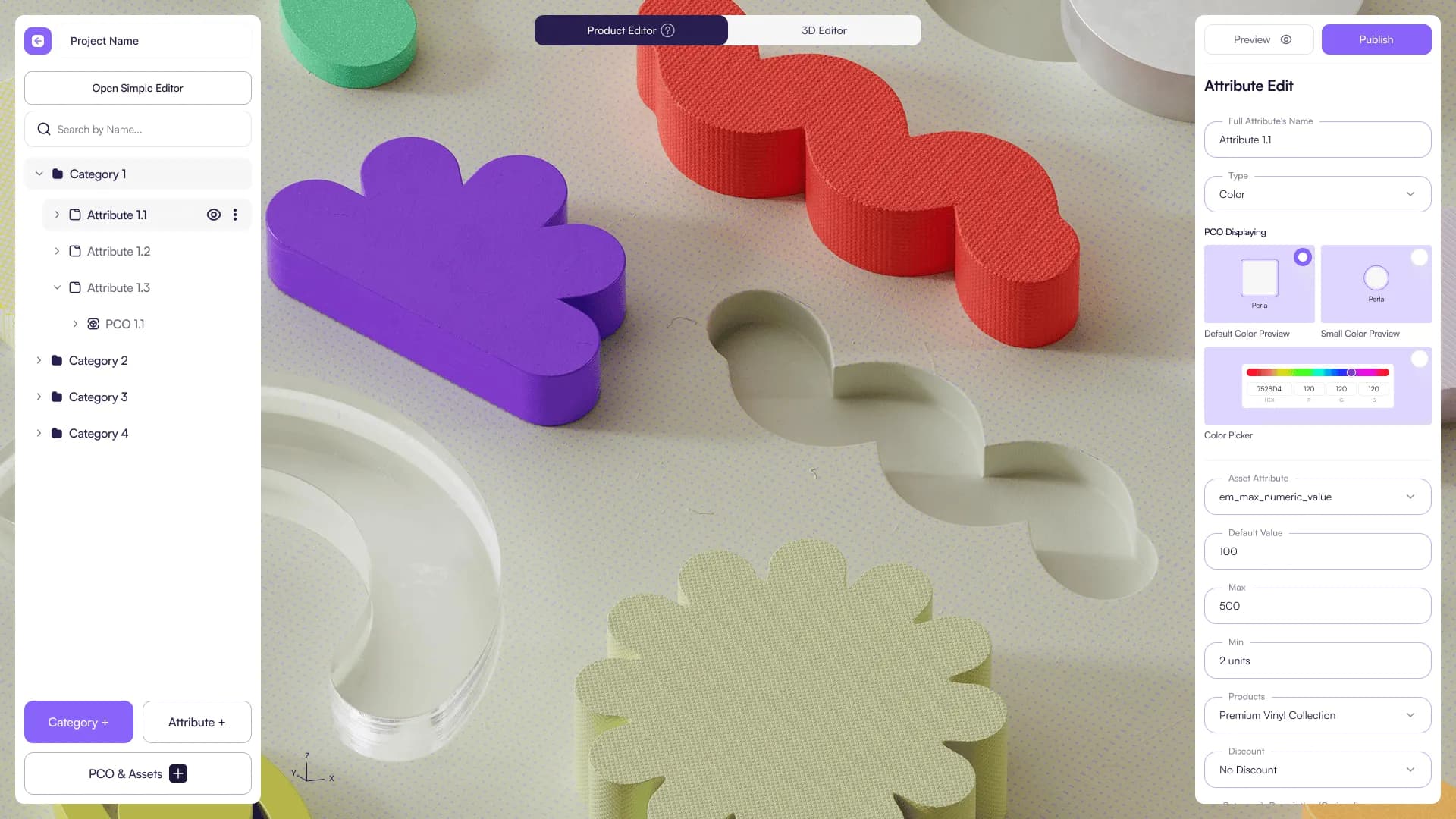
Begin your journey with Amaspace by following these foundational guides to create and publish your first 3D/AR product experience without building a custom 3D pipeline.
What you can do with Amaspace
- Create and manage Products (projects/products)
- Upload and organize Assets (3D models, materials, textures)
- Configure the experience using Editors (Product / 3D / Scene / Logic / Annotations)
- Connect Amaspace to your store via Integrations (Shopify, WooCommerce, Webhooks, custom embed)
- Track performance with Analytics and manage Orders
- Customize the configurator UI using the Theme Editor
- Manage your Account & Settings
Where to start
If you’re new, follow this order:
- Quick Start — publish your first product experience
- Products — create and manage products
- Assets — upload assets and validate requirements
- Editors — configure layout, visuals, logic, and annotations
- Integrations — connect to Shopify/WooCommerce or embed on a custom site
- Orders & Analytics — verify and go live
How Amaspace is organized
Amaspace is structured around the same areas you see in the sidebar:
- Products : where your products and projects live
- Assets : where you manage models, materials, and textures
- Editors : where you configure visuals and behavior (Product / 3D / Scene / Logic / Annotations)
- Integrations : where you connect Amaspace to your website/store
- Analytics : where you track views, interactions, and performance
- Orders : where you view and manage orders (if enabled)
- Theme Editor : where you style the configurator UI
- Account & Settings : where you manage your account, company data, subscription, and API panel
Who this documentation is for
- E-commerce teams: onboarding, integrations, publishing, performance
- 3D teams: asset requirements, upload workflow, scene setup
- Developers: embedding, webhooks, custom implementations
Common questions
- Do I need a developer? - Not always. Shopify or WooCommerce setups can be done without code. Custom sites usually require a simple embed and/or webhooks (Embedding & Custom Implementation ).
- **Do I need 3D models already? - **Not necessary, you can use our template library or submit a model request. If you prefer to upload your own models, see Asset requirements ..
- **Where do I customize the UI? - **Use Theme Editor to change layout, colors, typography, corner radius, max width, button styling, and branding.
Last updated on