Managing integrations
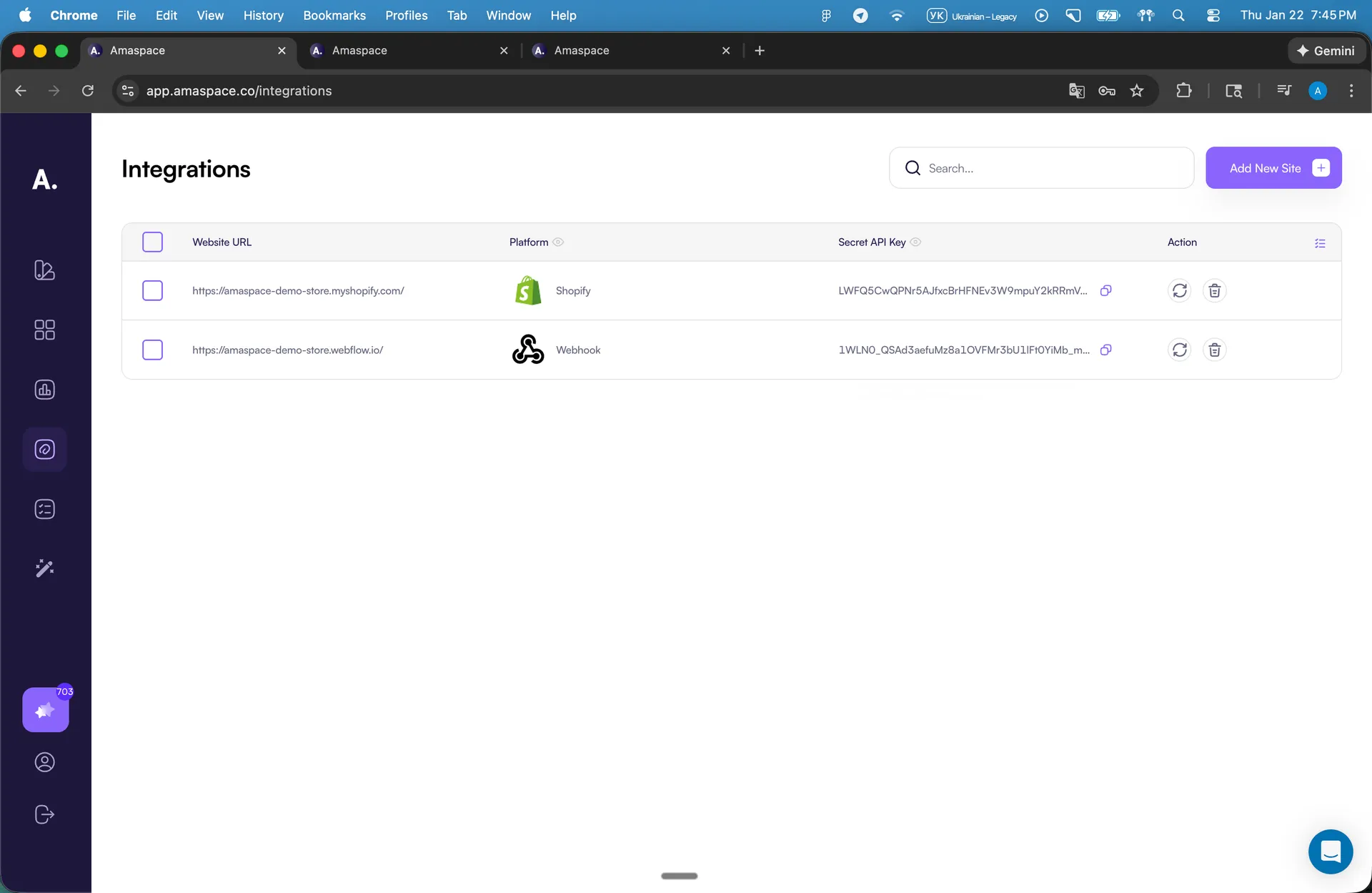
All active integrations are listed on the Integrations page - https://app.amaspace.co/integrations
For each integration, you can see:
- Website URL
- Selected platform
- Secret API Key access
This view helps you quickly confirm which sites are active and ready to use.
Copy and manage your Secret API Key
Each integration has a Secret API Key.
This key authorizes your configurator on your website.
- Use it to connect the configurator to your site
- Keep it private
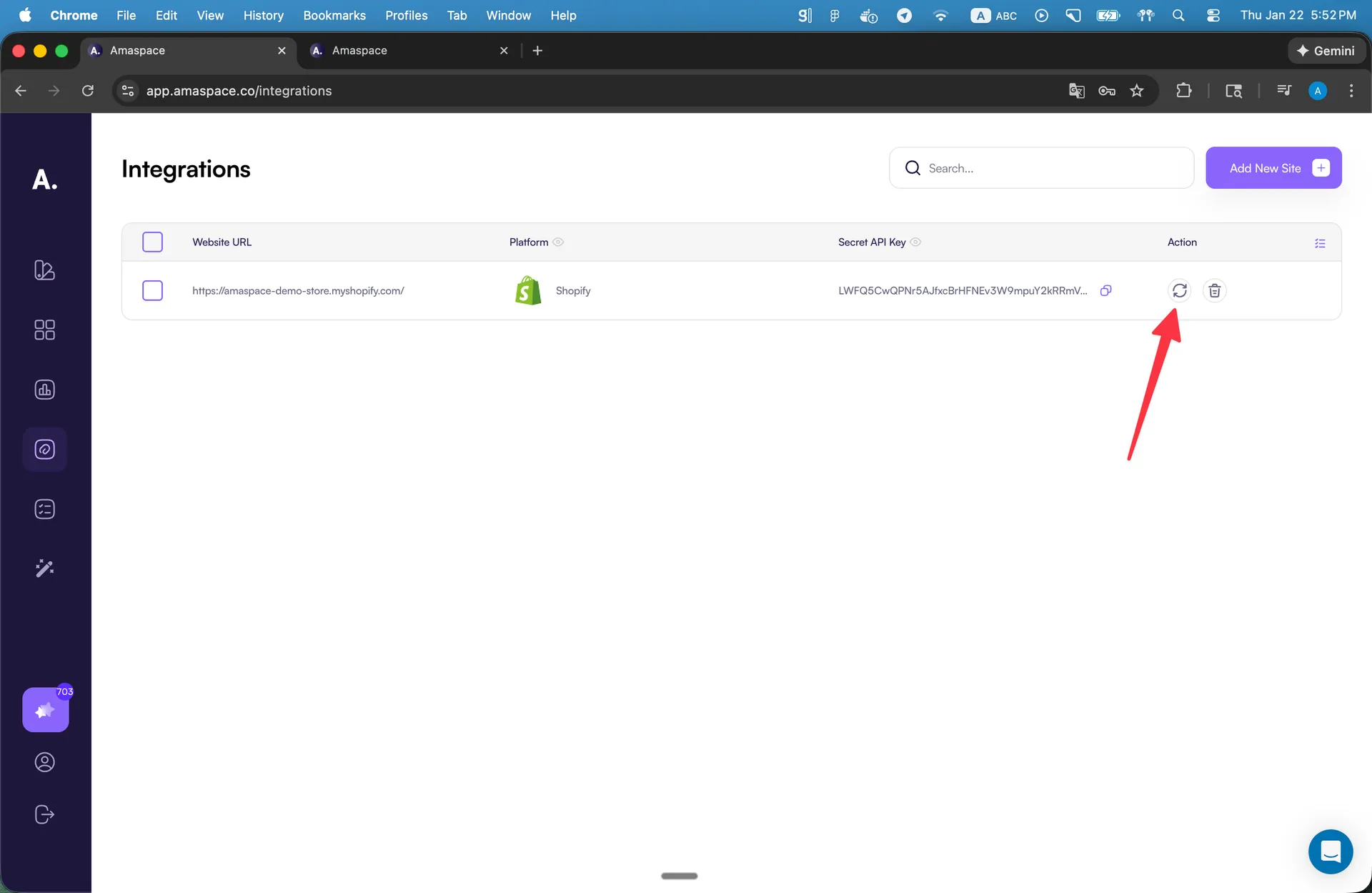
- Reset it anytime if it was shared by mistake
Click Reset to generate a new key instantly.
Integration limits and subscriptions
The number of available integrations depends on your subscription plan.
If you reach the limit, you need to upgrade your plan before adding a new site.
Removing an integration
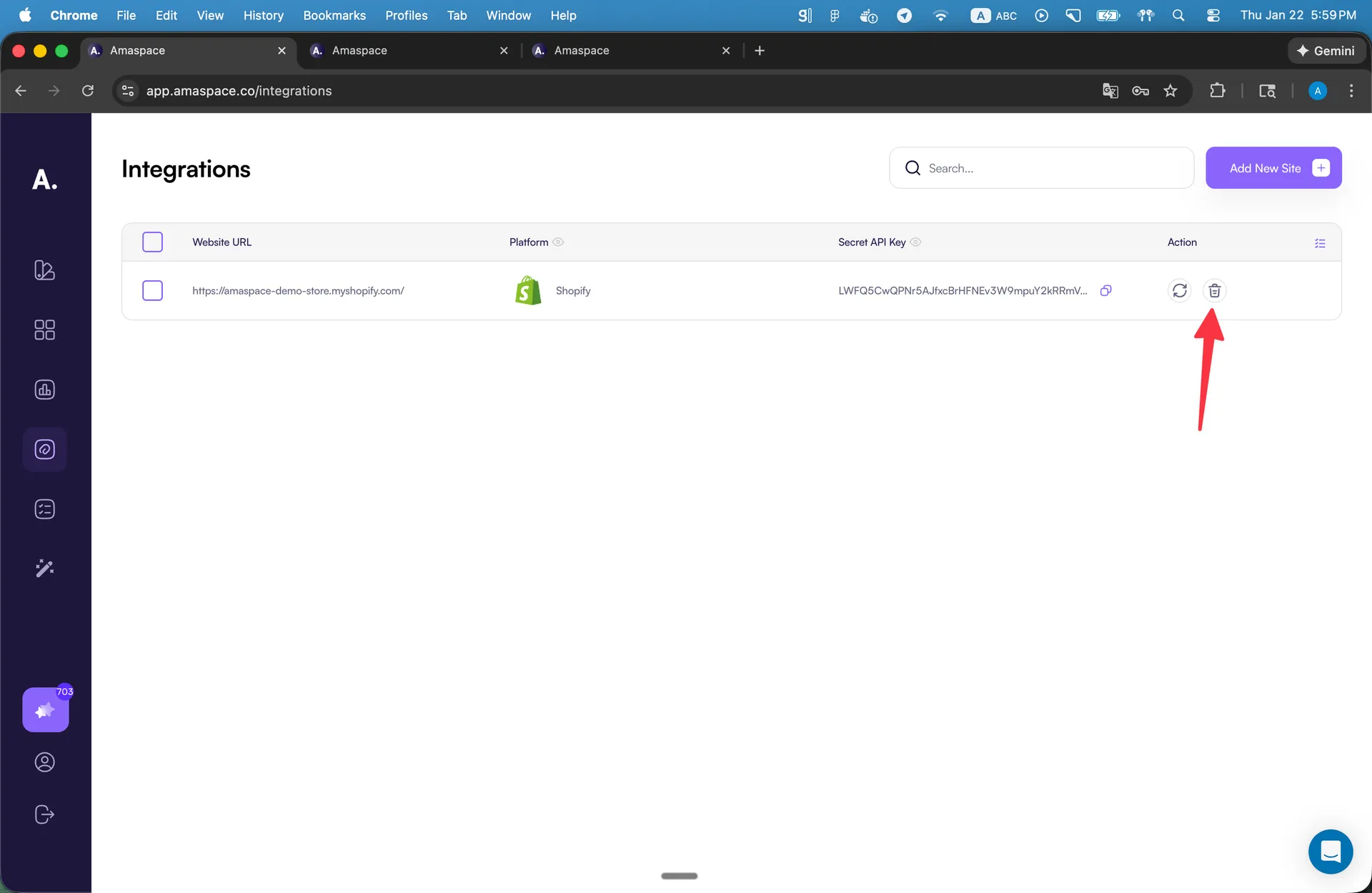
You can delete an integration from the Integrations page.
When you do this:
- The integration stops working
- All configurators connected to it stop working on that site
- Analytics and orders remain stored in Amaspace
Use this option only if you no longer need the website connection.
Video
Managing multiple sites
Amaspace lets you manage multiple websites from one account.
Each website uses its own integration, but products can be reused across sites.
How multiple sites work:
- Each website has one integration
- Each integration can include many configurators
- The same product can be published to different integrations
This setup allows you to:
- Run the same configurator on multiple sites
- Track analytics separately per website
- Keep orders organized by source